
how to fix car radio static noise usually comes down to one of three things: weak signal, interference, or a hardware connection that isn’t as solid as it should be.
If the static only shows up in certain areas, it’s often signal-related and not “your radio going bad.” But if it follows you everywhere, changes with engine RPM, or appears when you charge a phone, you’re likely dealing with electrical noise, grounding, or a failing antenna/coax connection.
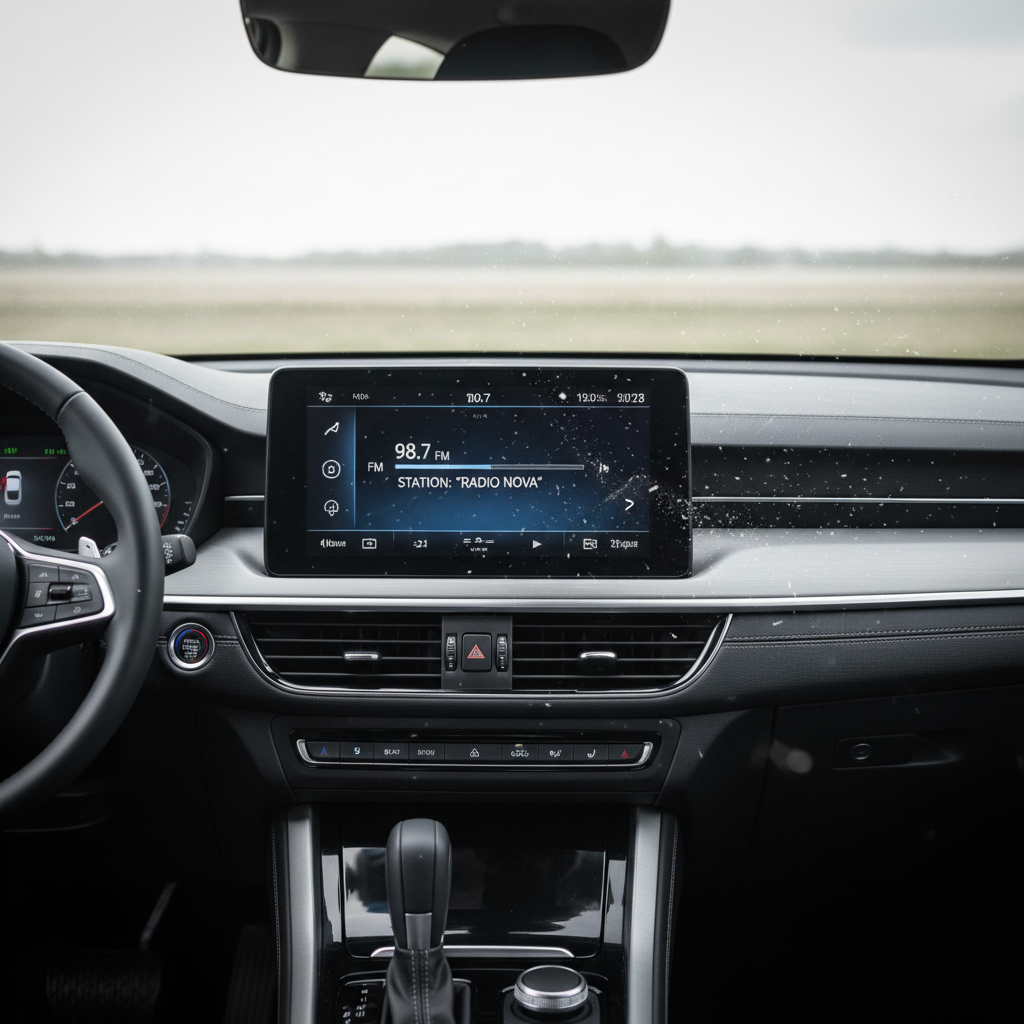
Below is a practical way to diagnose what kind of static you have, plus fixes that work in real driveways. I’ll also call out the moves that people try a lot but rarely solve the root cause.
Quick symptom map: what your static is trying to tell you
Static isn’t one problem, it’s a symptom. Matching the sound and timing to a cause saves a lot of guessing.
| What you notice | Most likely cause | Best first check |
|---|---|---|
| Static only in certain neighborhoods | Weak/blocked signal, station coverage | Try another strong local station, switch to AM/FM |
| Static changes with engine RPM | Alternator/ignition electrical interference | Test with engine off vs running |
| Static appears when phone charger is plugged in | Accessory/charger noise, ground loop | Unplug charger, try OEM/quality charger |
| One speaker crackles, others fine | Speaker, wiring, or amplifier channel issue | Fade/balance test speaker-by-speaker |
| FM weak everywhere, AM seems “okay” | Antenna mast or coax/connector problem | Inspect antenna, check for looseness/corrosion |
A 10-minute checklist before you buy anything
Before you pull trim panels or order parts, do these quick tests. They’re boring, but they narrow the problem fast.
- Compare engine off vs engine on: if static increases when running, think electrical noise or grounding.
- Try multiple sources: FM, AM, Bluetooth, USB, AUX. Static on only radio points to antenna/signal. Static on all sources points to amp/speaker/power/ground.
- Balance and fade: isolate whether one speaker is the culprit.
- Unplug accessories: chargers, dash cams, radar detectors, cheap USB adapters. Many create interference.
- Move locations: if it disappears away from power lines or dense downtown areas, it may be normal RF interference.
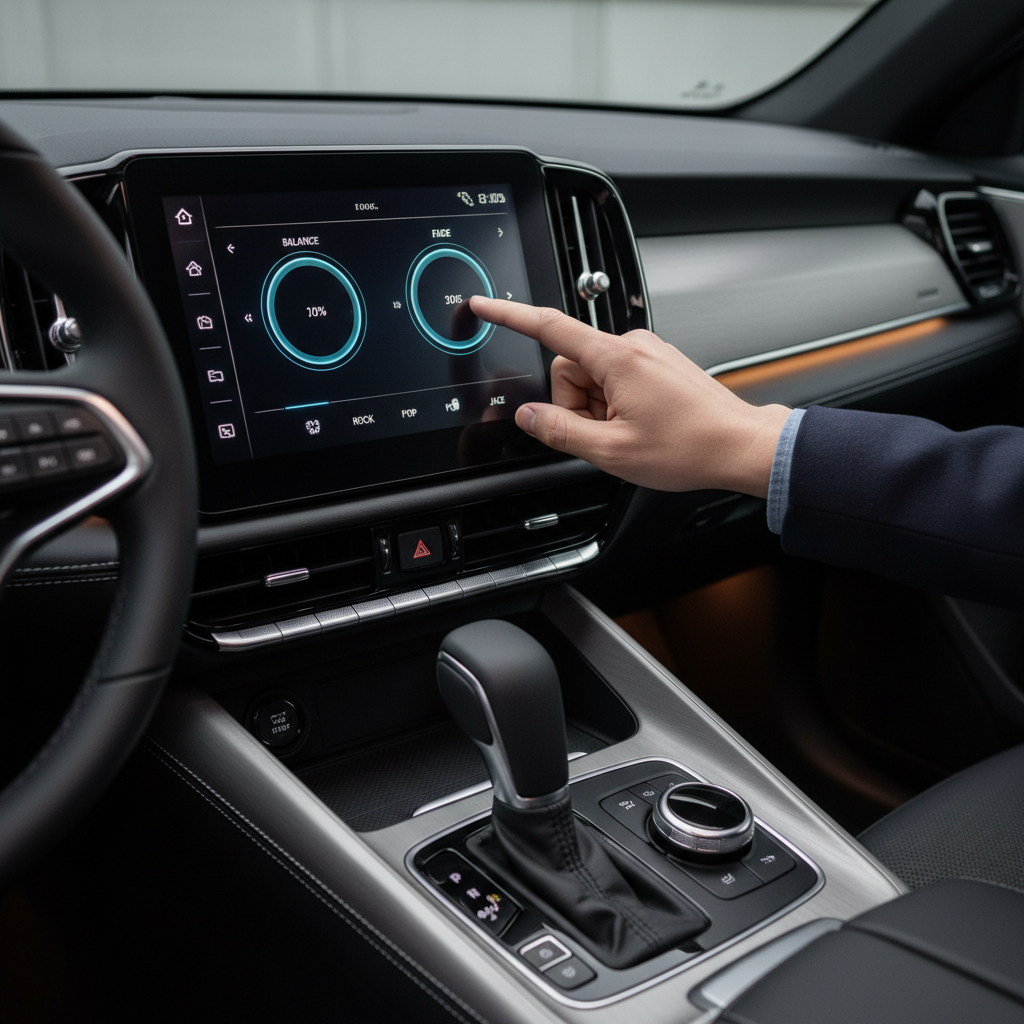
Key takeaway: if Bluetooth/USB sound is clean but FM is noisy, focus on reception and antenna hardware. If everything has noise, focus on power, ground, amp, and speaker wiring.
Common causes (and what’s actually happening)
1) Weak signal or local interference
FM is line-of-sight-ish, so hills, buildings, and even certain stretches of freeway can make a decent station sound rough. That’s not always fixable in the car.
According to the FCC, radio reception can be affected by interference from electronic devices and the surrounding environment, which is why the same station can sound different from one area to another.
2) Antenna mast, base, or coax connector issues
A loose antenna base, corroded mount, or damaged coax cable can turn your radio into a static generator. On many cars, the antenna ground happens through the mounting point, so corrosion matters more than people think.
3) Electrical noise from alternator/ignition/accessories
If the sound rises and falls with RPM, that’s classic electrical “whine” or hash riding on the power or ground path. Phone chargers and cheap USB adapters are frequent offenders.
According to SAE International, modern vehicles contain many electronic modules that can create electromagnetic interference, and good grounding/shielding is a key part of controlling it.
4) Speaker, amp, or head unit faults
Crackling from one corner, popping when you hit bumps, or audio that cuts in and out can be a speaker terminal, a worn voice coil, a failing amp channel, or a head unit output stage. The pattern matters more than the volume of the static.
Fixes you can try at home (by scenario)
how to fix car radio static noise at home is usually a process of eliminating the easy variables first, then checking the physical connections that cause 80% of “mystery” noise.
If FM/AM is static but Bluetooth/USB is clean
- Inspect the antenna: tighten a screw-on mast, look for cracks, bends, or missing sections.
- Clean the antenna base contact: if accessible, check for rust/corrosion where the base meets metal. Light cleaning can restore ground contact.
- Check the antenna cable (coax): loose connectors behind the head unit are more common after stereo installs or dash work. If you recently had work done, this is a top suspect.
- Try a different station and band: if only one station is bad, don’t chase hardware problems yet.
Small reality check: window-tint metallic film and certain roof racks can reduce reception on some vehicles. It won’t usually create RPM-whine, but it can make fringe stations worse.
If static changes with RPM (alternator/ignition noise)
- Confirm the symptom: sit parked, volume low, engine off (quiet?), then start engine (noise appears?). Rev slightly (noise tracks RPM?).
- Remove accessory noise: unplug phone charger and any 12V adapters, then retest. Swap in a higher-quality charger if the noise disappears.
- Check grounding points: aftermarket amps and head units often fail here. Grounds should be short, on bare metal, tight, and not shared with flimsy brackets.
- Route signal and power separately: in aftermarket installs, RCA/signal cables running alongside power can pick up noise. Re-routing can help more than filters.
People often buy a noise suppressor immediately, but if the real issue is a weak ground or bad cable routing, the suppressor becomes a band-aid.
If noise appears only when charging or using AUX
- Replace the AUX cable: poor shielding creates hiss and crackle, especially near other electronics.
- Try a different charging method: USB port vs 12V adapter, or a different adapter entirely.
- Look for a ground loop: if using AUX + charging causes noise, a ground loop isolator can help, but only after confirming the charger is the trigger.
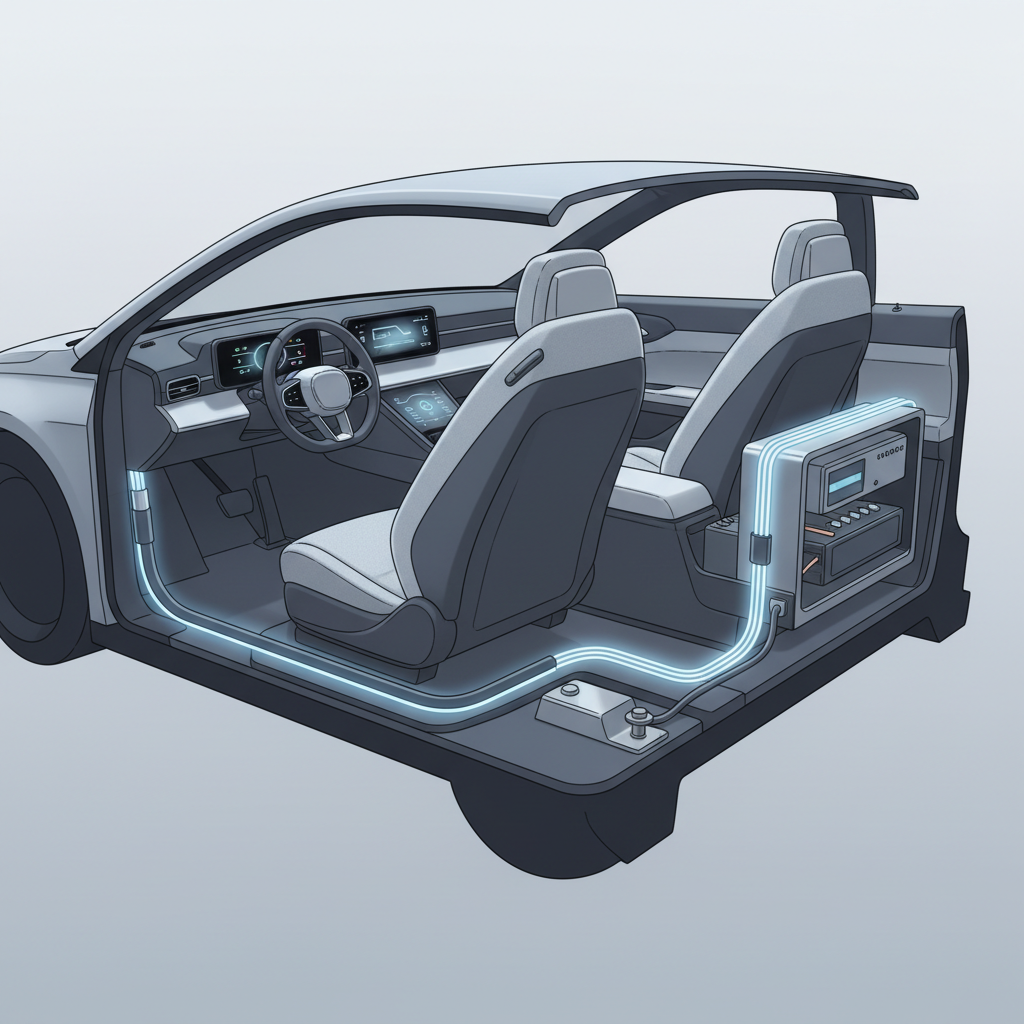
If one speaker crackles or pops
- Use balance/fade to isolate: confirm it’s one channel and not the source.
- Inspect door wiring boot: wires can fatigue where they pass from body to door. This shows up as “works when door is at a certain angle.”
- Check speaker terminals: a slightly loose spade connector can buzz on bumps.
- Swap test if possible: swapping left/right speakers (or amp channels) can reveal whether the problem follows the speaker or stays with the channel.
Moves that sound smart but often waste time
- Replacing the head unit first: if Bluetooth is clean, your head unit probably works fine.
- Adding random “ground wires” everywhere: more ground points can create new loops. One solid, correct ground is usually better.
- Blaming the station for everything: sometimes it is the station or geography, but RPM-related noise is almost never “the station.”
- Cranking treble down to hide hiss: it masks symptoms and makes music dull, without fixing the cause.
When it’s worth getting a pro involved
If you’ve tried the quick tests and the static still acts like electrical interference, a car audio shop can measure noise on power and ground, check shielding, and verify alternator ripple. That’s hard to do accurately without tools.
Also consider professional help if you notice burning smells, hot wiring, blown fuses, or repeated battery drain. Electrical issues can become a safety problem, so it’s reasonable to ask a qualified technician to inspect the system.
Practical wrap-up: the fastest path to clear audio
Most people get traction when they stop treating static as one big mystery and instead pin down which category it fits. If you remember one thing, remember this: clean Bluetooth but noisy FM points to antenna/signal, noise that tracks RPM points to power/ground.
If you want an easy next step, do the engine-off/engine-on comparison, unplug accessories, then check antenna hardware and grounds based on what you hear.
FAQ
Why does my car radio have static only when I drive?
If the static changes by location, it’s often reception or local interference. If it changes with speed or RPM rather than geography, it’s more likely electrical noise or a loose connection that reacts to vibration.
How do I know if my antenna is bad or it’s just a weak station?
Try several strong local stations. If all FM stations sound weak and noisy in areas where you expect good coverage, the antenna mast/base or coax connection becomes the prime suspect.
Can a phone charger cause radio static?
Yes, many inexpensive chargers generate electrical noise. A simple test is unplugging the charger and retesting. If the noise disappears, switch to a better-quality charger or a different power port.
What does alternator whine sound like through speakers?
It often sounds like a high-pitched tone that rises and falls with engine RPM. It’s not the same as weak-signal FM static, which tends to be more “shhhhh” and location-dependent.
Will a noise filter fix car radio static noise?
Sometimes, but it depends on the cause. Filters can help in certain ground loop or power-noise situations, but they can’t make a broken antenna cable work, and they won’t fix poor grounding in many installs.
Why is FM static worse than AM in my car?
It can happen if the FM antenna path is compromised, since FM reception is more sensitive to antenna/coax issues in many setups. Testing multiple stations and inspecting antenna connections is a reasonable next step.
Is static a sign my speakers are blown?
Not always. A blown speaker often distorts under bass or higher volume, while static or crackle can come from wiring, a loose terminal, or an amp channel. The balance/fade test helps separate these.
One low-effort option if you want a cleaner setup
If you’re chasing static because you rely on AUX or a noisy charger, a simpler path can be switching to a cleaner source chain, like Bluetooth or a well-shielded USB audio connection, and using a quality power adapter. If you’d rather not pull panels to chase grounds and routing, a car audio shop can usually confirm the cause quickly and suggest the least invasive fix.