
Best car usb charger fast charging usually comes down to three things you can verify in under a minute: the wattage per port, the fast-charge standard it supports (USB-C PD or Quick Charge), and whether the charger can sustain power without overheating.
If you’ve ever plugged in during a commute and watched your battery crawl from 12% to 18%, you’ve felt the gap between “it charges” and “it fast-charges.” In real cars, cables get swapped, ports get shared, and navigation + music + screen brightness all pile on, so a weak adapter quickly turns into a daily annoyance.
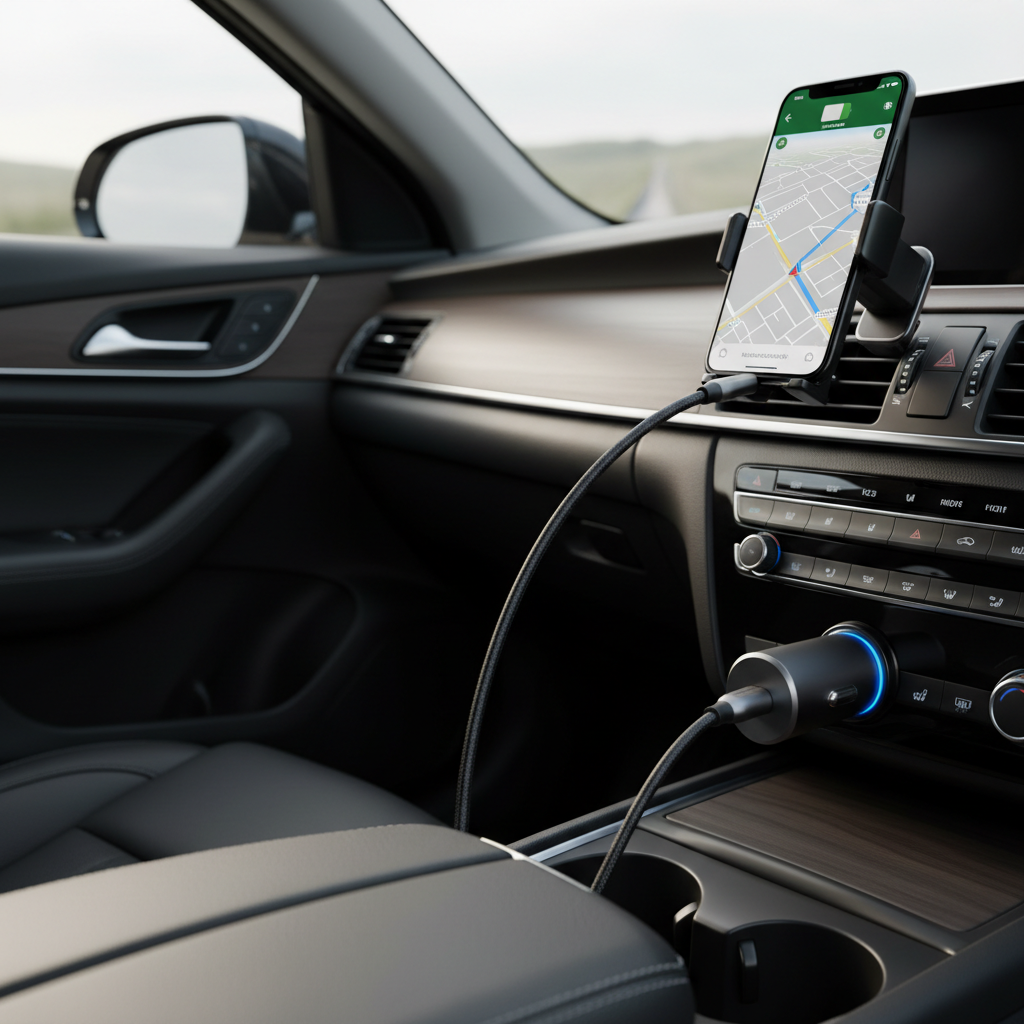
This guide focuses on what matters for U.S. drivers buying today: USB-C PD vs USB-A, real-world power needs, safety features worth paying for, and a quick checklist to choose the right model for your devices.
What “fast charging” really means in a car
Fast charging isn’t a single feature, it’s a handshake between your device, cable, and charger. In a vehicle, the adapter also has to handle fluctuating input voltage and heat, which is why some “65W” models feel slower than expected.
- USB-C Power Delivery (PD): Common for iPhone (via USB-C to Lightning), Android flagships, iPads, and many modern tablets. PD chargers often advertise 20W, 30W, 45W, 65W, and up.
- Qualcomm Quick Charge (QC): Still common on USB-A ports and many Android phones. Helps a lot if you’re using USB-A, but PD has become the safer bet long-term.
- Apple charging (iPhone): iPhones typically benefit from ~20W class charging. More wattage isn’t harmful when standards are followed, but it may not be faster past a point.
According to USB-IF (USB Implementers Forum), USB Power Delivery is designed to negotiate power between devices and chargers, which is the core reason PD is usually the most predictable “fast” option across brands.
Quick self-check: what you need before shopping
Before you compare products, confirm these basics. This is where most people accidentally buy a “fast” charger that can’t fast-charge their phone.
- Device port: USB-C (most Android, many tablets) or Lightning (iPhone, some iPads). iPhones can still fast-charge with a USB-C PD car charger using a USB-C to Lightning cable.
- How many devices at once: Solo charging is easy. Two phones plus a tablet changes the math quickly.
- Your car’s socket: Most vehicles use a 12V outlet; some trucks/RVs may provide 24V. Many chargers accept 12–24V, but verify.
- Use case: Navigation-heavy driving (screen on, GPS, 5G) needs more sustained power than casual topping up.
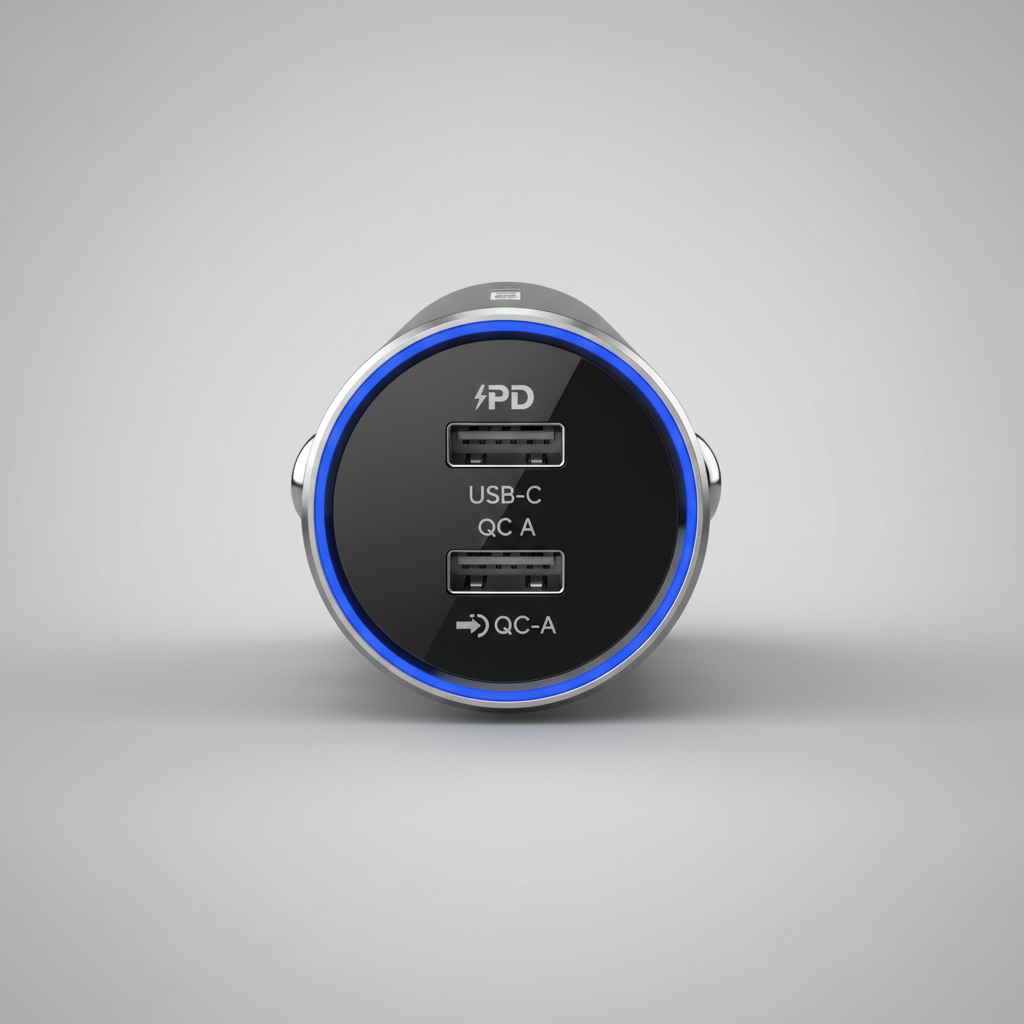
If you’re not sure what your phone supports, look for “USB-C PD” on the device specs, or check whether your current wall charger is PD/QC and how many watts it outputs.
Specs that actually matter (and how to read them)
The product page will throw a lot at you. Focus on these, because they drive real charging speed and day-to-day reliability.
- Wattage per port (not just total): A “60W” charger might be 45W + 15W when two devices connect. That’s fine, but you should know the split.
- USB-C PD profiles: Look for explicit PD support and common steps like 5V/9V/12V (and higher for laptops). Even if you don’t need laptop charging, clearer PD info often means a more legit controller.
- Number and type of ports: A strong combo is 2x USB-C or 1x USB-C + 1x USB-A for mixed families.
- PPS support (Programmable Power Supply): Helpful for some Samsung and Android devices for efficient fast charging, though not mandatory for most drivers.
- Heat and safety protections: Over-current, over-voltage, temperature control. These are more than buzzwords in a hot cabin.
According to NHTSA (National Highway Traffic Safety Administration), driver distraction is a safety concern, so a charger that keeps devices reliably powered can reduce the temptation to fiddle with cables or swap ports while driving.
Recommended fast-charging setups (by real driving scenarios)
Rather than naming “the one best” for everyone, it’s more honest to match the charger to how you drive and what you charge.
1) Daily commute, one phone
- Look for: USB-C PD 20W–30W
- Why: Enough headroom for navigation + streaming while still gaining battery
- Tip: Pair with a quality USB-C cable; a worn cable is a silent speed killer
2) Two phones in one car (rideshare, couples, family)
- Look for: Dual-port with clear power sharing, like 30W+20W or 45W+18W
- Why: Many “dual 18W” models slow down hard when both ports run
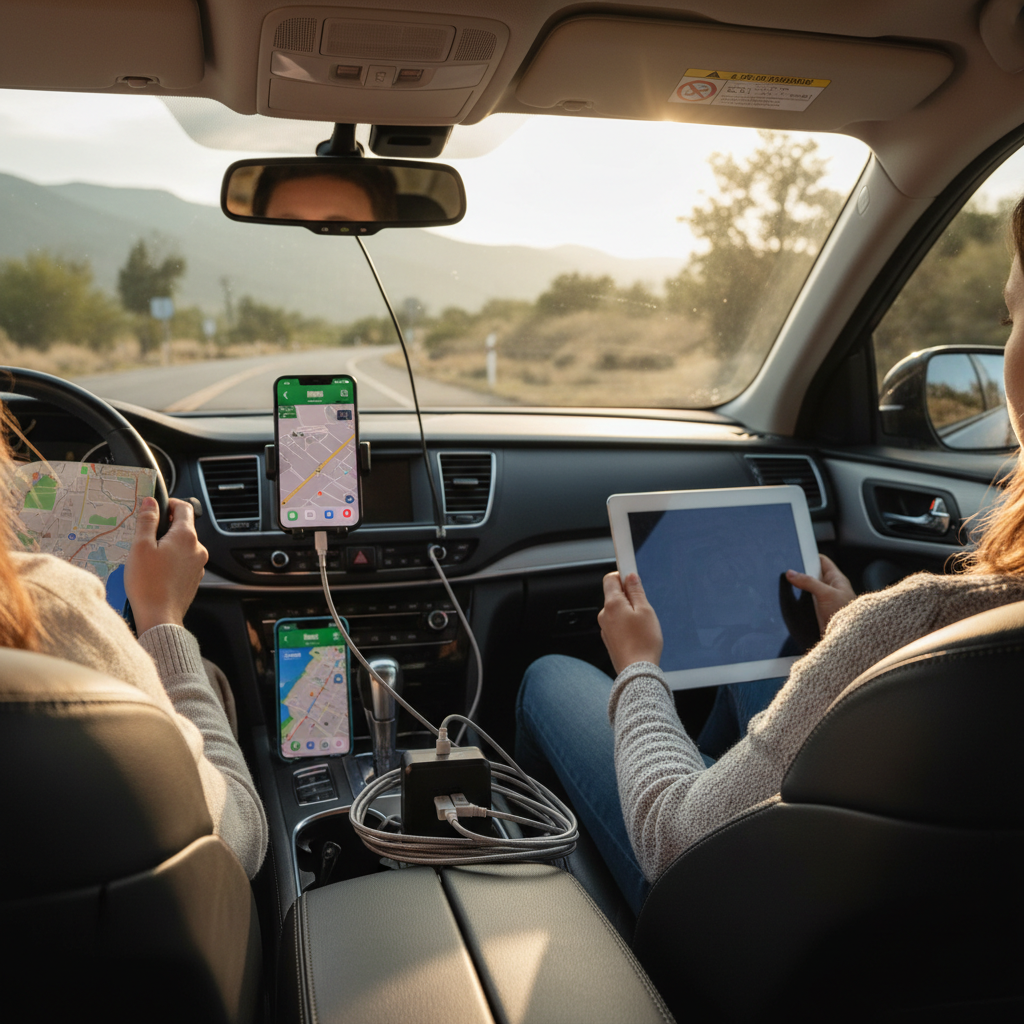
3) Phone + tablet (or hotspot + phone)
- Look for: 45W–65W total with at least one strong USB-C PD port
- Why: Tablets and hotspots can pull sustained power, not just quick bursts
4) Road trips with newer laptops (optional)
- Look for: USB-C PD 65W+ (and confirm your laptop accepts USB-C charging)
- Reality check: Some laptops draw more under load; charging may be slow while in heavy use
Comparison table: what to buy for fast charging
Use this as a quick filter when you’re scrolling listings. The goal is to get you to the right class of charger, then you can pick a reputable brand and form factor.
| Driver need | Ports to prioritize | Power range to look for | Notes |
|---|---|---|---|
| One iPhone (daily) | 1x USB-C PD | 20W–30W | Use USB-C to Lightning cable for best results |
| One Android (daily) | USB-C PD (plus PPS if available) | 25W–45W | PPS can help some models sustain faster speeds |
| Two phones | 2 ports (at least 1x USB-C) | 40W–70W total | Check the split when both ports are used |
| Phone + tablet | 1x high-power USB-C + extra port | 45W–65W+ | Tablet charging is more demanding than many expect |
| Occasional laptop | 1x USB-C PD high power | 65W–100W | Only if your vehicle socket and charger support it safely |
Practical buying tips (this is where most mistakes happen)
If you want the best car usb charger fast charging in real life, don’t stop at the watt number. A few small checks save a lot of frustration.
- Match the cable to the charger: USB-C to USB-C for most Android and iPad, USB-C to Lightning for iPhone. Cheap or damaged cables can cap speed or drop connection.
- Avoid “mystery brands” for high wattage: With 65W+ car chargers, heat management and power negotiation matter. A too-cheap adapter is where weird disconnects and overheating complaints often show up.
- Prefer compact designs with firm fit: If it wiggles in the socket, it can momentarily disconnect on bumps, which feels like “slow charging” over time.
- Check car outlet limits: Some vehicles rate the 12V outlet at 10A or 15A. High-power charging might be fine, but if you’re also running other accessories, plan accordingly.
Key takeaway: the “fast” experience is usually a system, charger + cable + device + how many ports are active.
Safety and reliability notes (worth taking seriously)
Charging in a hot cabin is a different environment than charging on a desk. If your phone or charger feels very hot, fast charging may throttle automatically, or you may want to change the setup.
- Heat is the enemy: Direct sun on a phone running navigation can trigger thermal limits, so even the best adapter won’t keep top speed. Move the phone to a vent mount or shade when possible.
- Watch for warning signs: Burning smell, discoloration, frequent reconnect sounds, or melting plastic are “stop using it” signals.
- Don’t overload the outlet: If you use splitters, inverters, or multiple accessories, the combined load can trip a fuse. If you’re unsure, a mechanic can confirm your outlet and fuse ratings.
According to NFPA (National Fire Protection Association), electrical safety comes down to using properly listed equipment and avoiding damaged cords, so treat your car charging setup the same way you’d treat any other power accessory.
Conclusion: how to choose quickly without overthinking
The best picks usually share the same DNA: a USB-C PD port with enough wattage for your main device, honest power-sharing when multiple ports run, and basic protections that keep charging stable in heat and vibration.
If you want a simple next step, do this: choose a USB-C PD car charger in the right watt range for your scenario, then pair it with a cable you trust, and test it once with navigation running so you know it sustains charge during real driving.